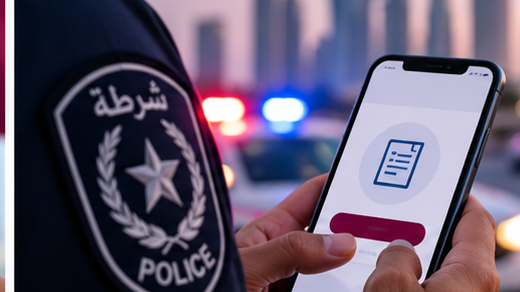
Qatar’s Ministry of Interior offers selected security and reporting services through the Metrash application. For eligible non-emergency incidents, the app may provide a way to send information to the relevant authorities without first visiting a service centre.
For emergencies or situations requiring immediate police assistance in Qatar, call 999. Do not depend on an app submission for an urgent response.
Can you report an incident through Metrash?
Yes, incident-reporting functionality is available for certain categories. However, the type of report accepted through the app depends on the service currently offered. Not every crime or complaint can necessarily be submitted or completed online.
Information to prepare
Have your Qatar ID, account access and a clear description of the incident ready. Include the relevant date, time and location if known. Supporting documents or images may be requested for some report types.
How to submit a report
- Open the official Metrash app and sign in.
- Review the available security, reporting or complaint options.
- Select the service that matches the incident, if offered.
- Enter accurate details and provide only the supporting material requested.
- Review and submit your information.
- Keep any confirmation or reference number for follow-up.
The names and positions of menu items may change. If you cannot find an appropriate reporting category, contact the relevant police department instead of selecting an unrelated service.
What happens after submission?
The authorities may request more information or ask you to attend a police station. Sending a report does not guarantee that a formal case has been registered or that no further action is needed.
If the application is not working
Check for updates and try again if the matter is not urgent. If you have account access problems, see our Metrash registration guide. For official information, visit the Ministry of Interior. You may also find our guide to checking Qatar traffic violations useful.